
TV Studio

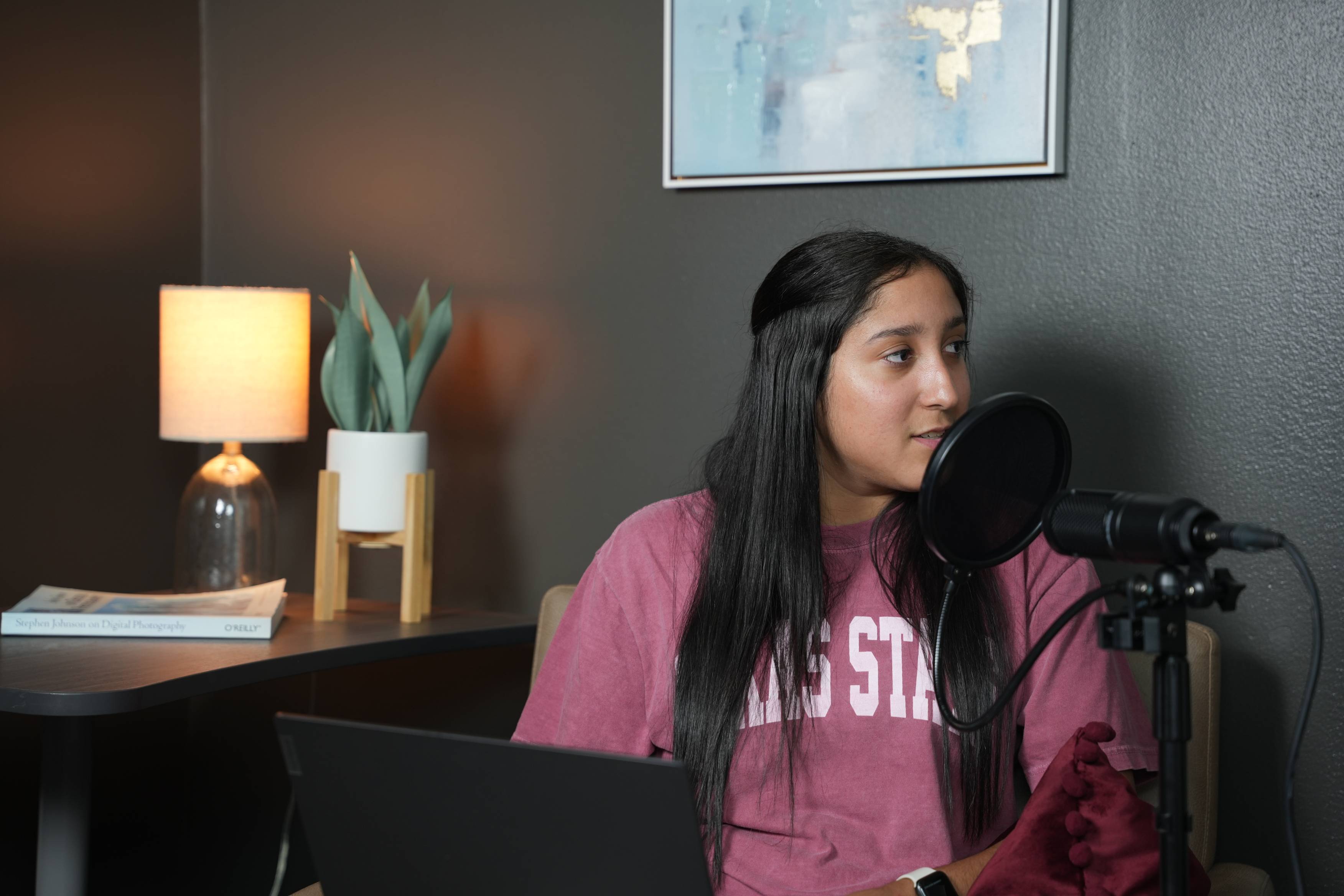
Podcast & Audio Recording

Record and produce podcasts and audio projects

TV Studio

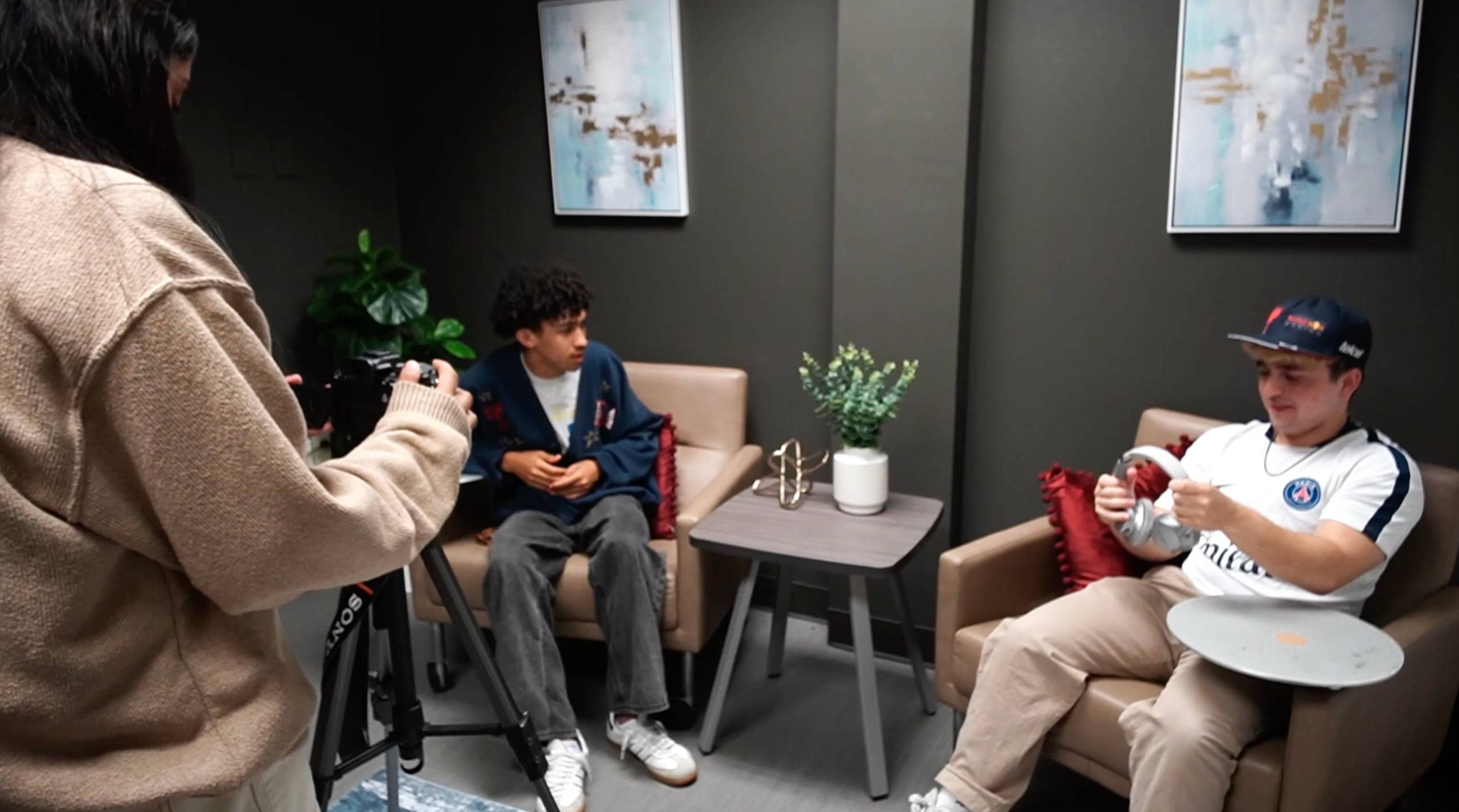
Interview & Presentation Video

Film professional-quality interviews and class content

TV Studio

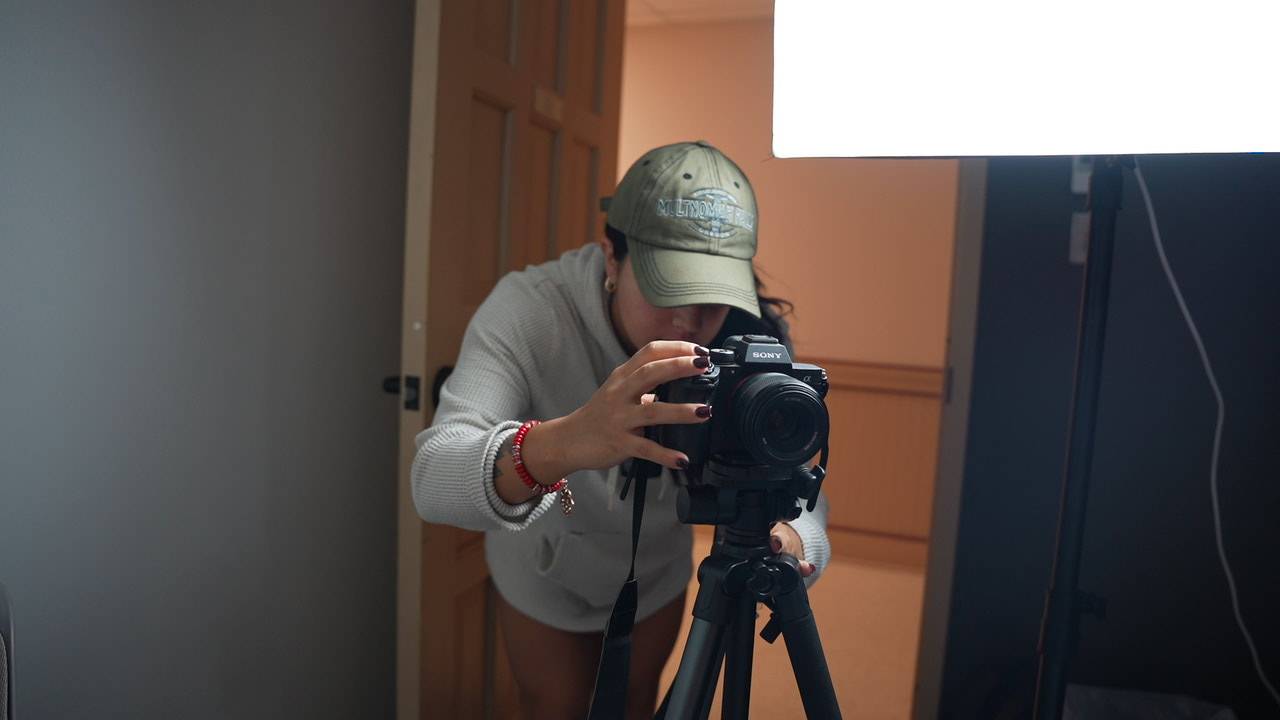
Photography & Headshots

Capture high-quality photos and updated headshots

TV Studio

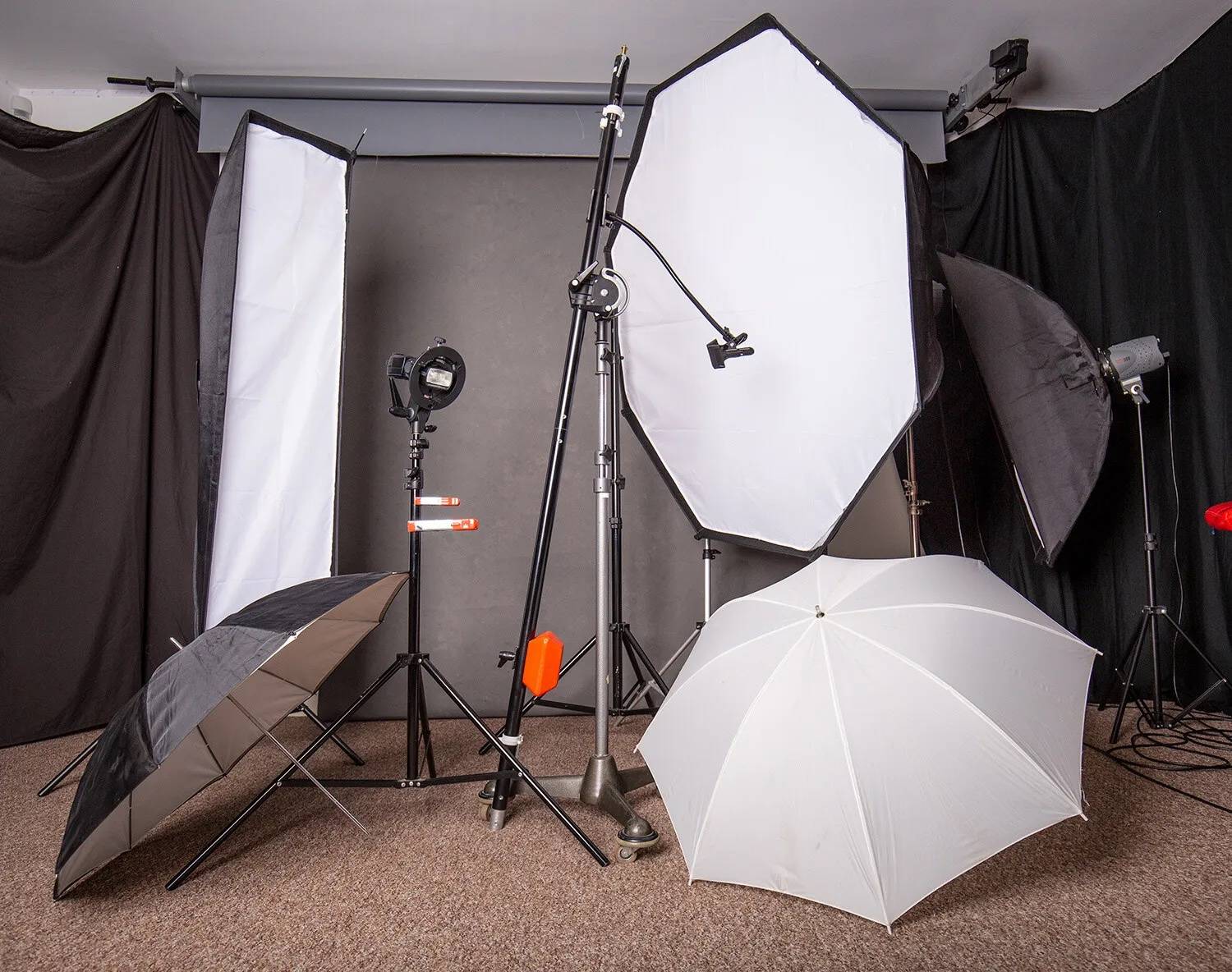
Studio Lighting

Lighting kits available upon request to elevate production quality

TV Studio

Collaboration Space

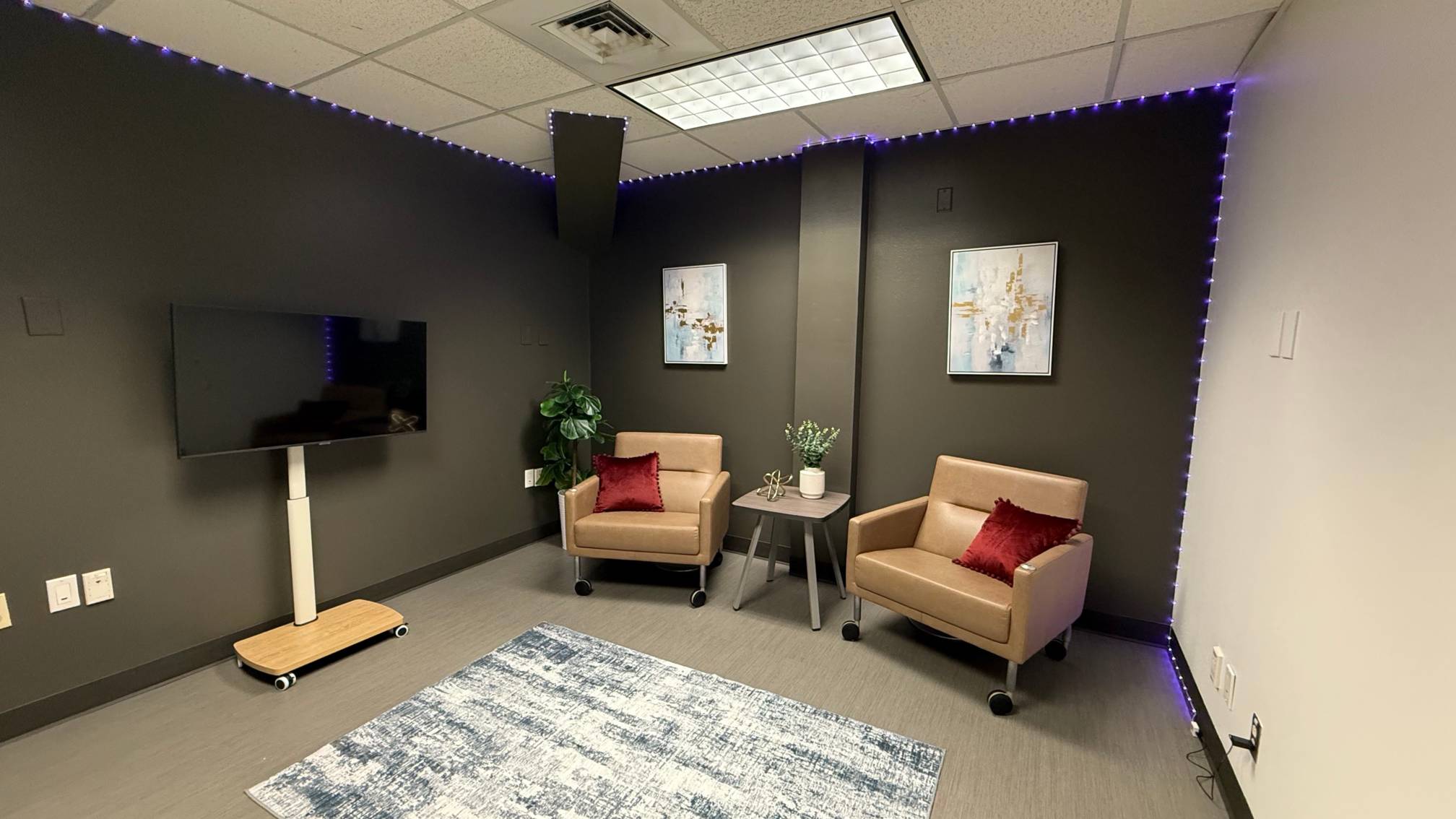
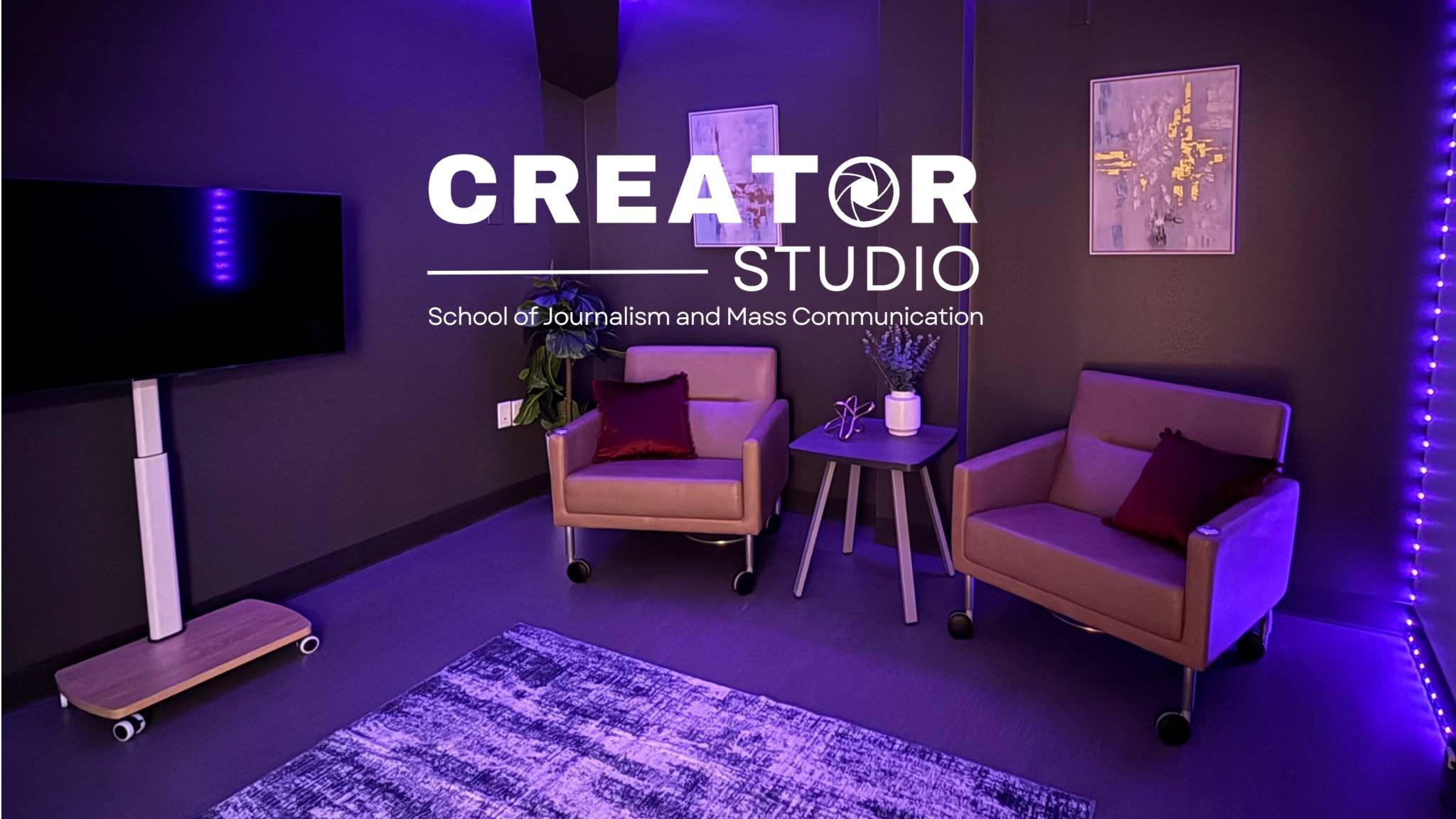
A dedicated studio built for modern digital workflows

TV Studio

Social Media Production

Create videos designed for platforms like Instagram and YouTube.

Hear from students using the Creator Studio

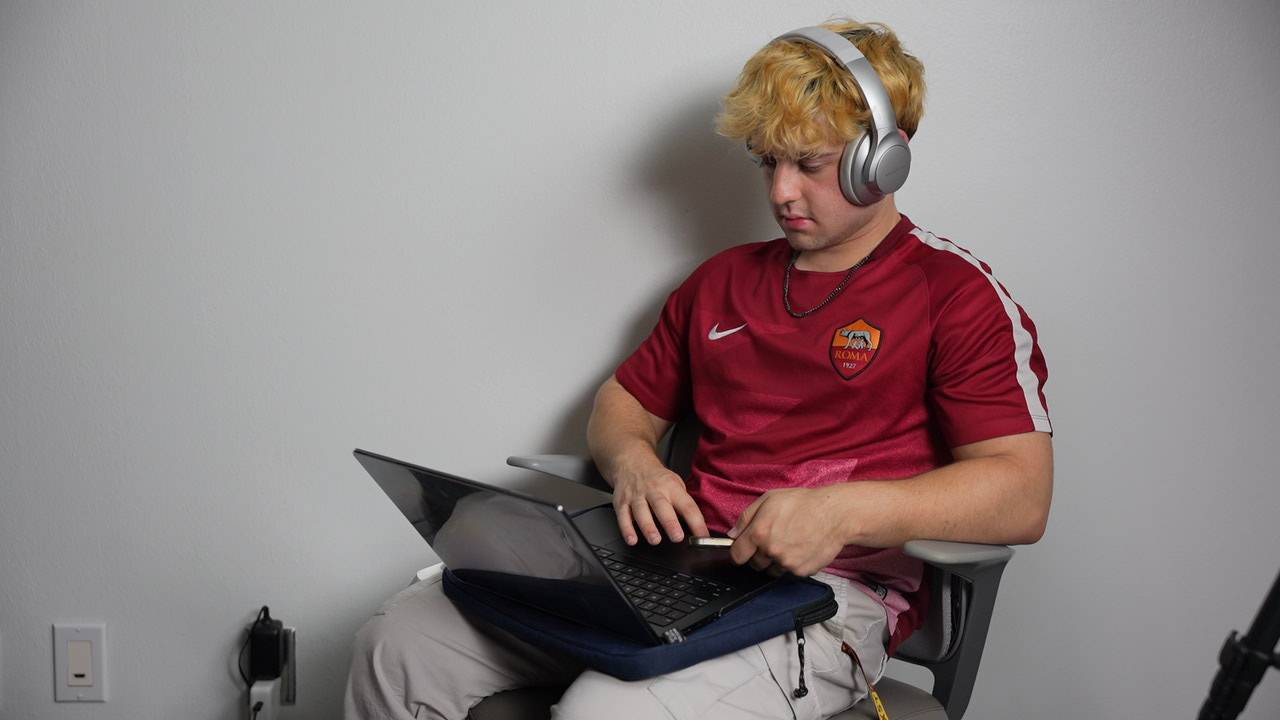
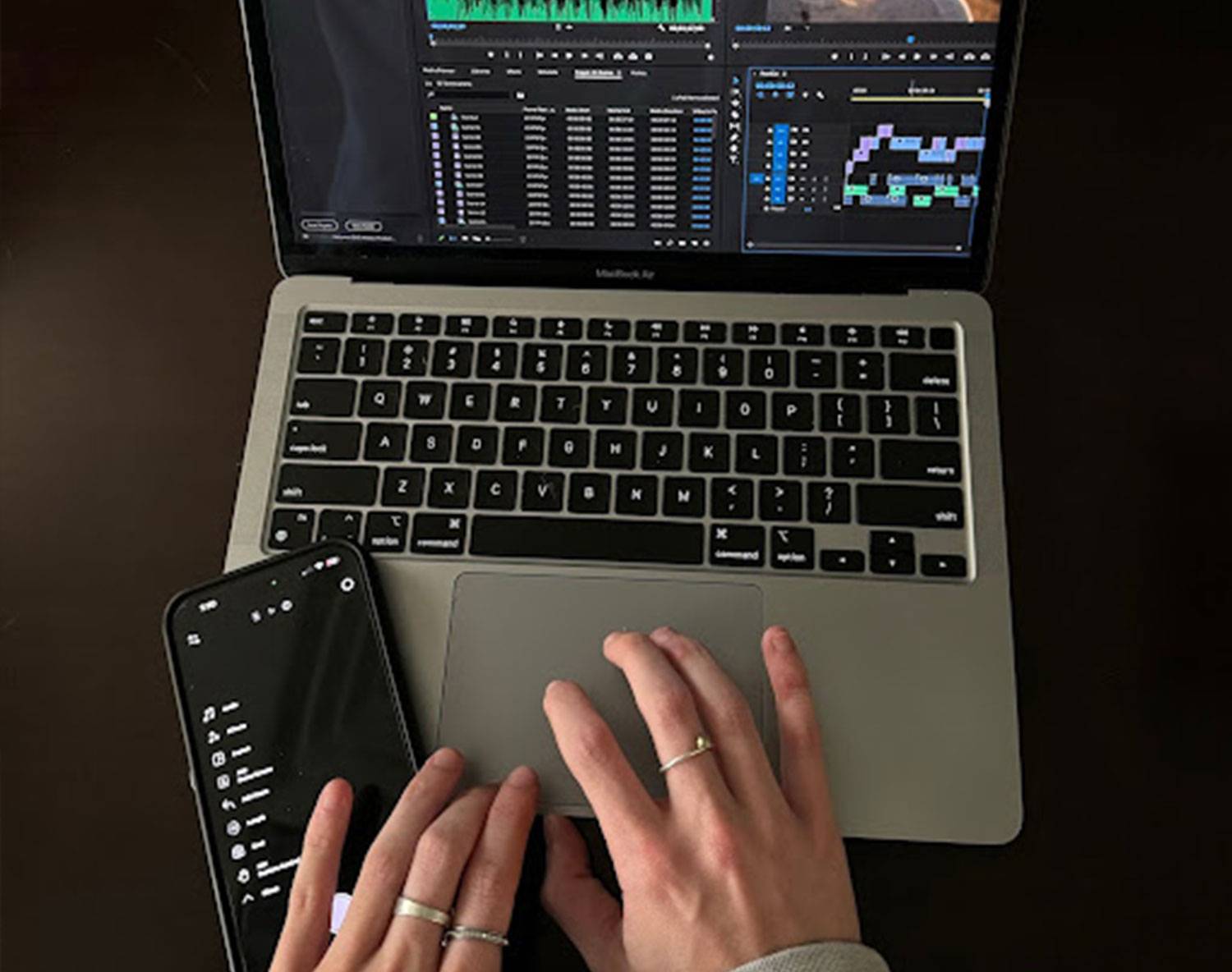
Students who use the Creator Studio share how the space supports their creative and academic work. From podcast recording and video interviews to photography and collaborative projects, the studio provides a professional environment where ideas can take shape and skills can grow.

Camera screen focused on a student

What do you need?

Students bring: camera gear + tripod

Available upon request: lighting kits + podcast equipment

Not available for checkout: cameras + tripods

How To Reserve The Studio

  • 1.) Submit the reservation form at least one week before your requested date
  • 2.) Studio manager processes your request and submits key card access
  • 3.) Access is granted for the duration of the reservation
  • 4.) Use the space responsibly and follow the policy to keep access available to all

Reservation & Use Policy

All users must agree to the Creator Studio Reservation & Use Policy. Misuse or failure to follow policies may result in loss of access privileges to ensure the studio remains safe, professional, and available to the campus community.

Email the Studio Manager with questions about access, scheduling, or equipment:

Sara Shields

sjmc_cstudio@txstate.edu

The Creator Studio